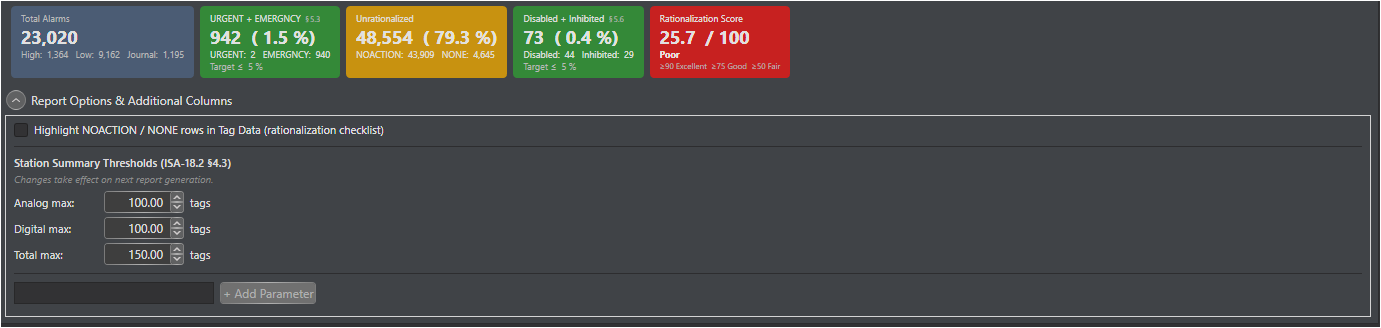
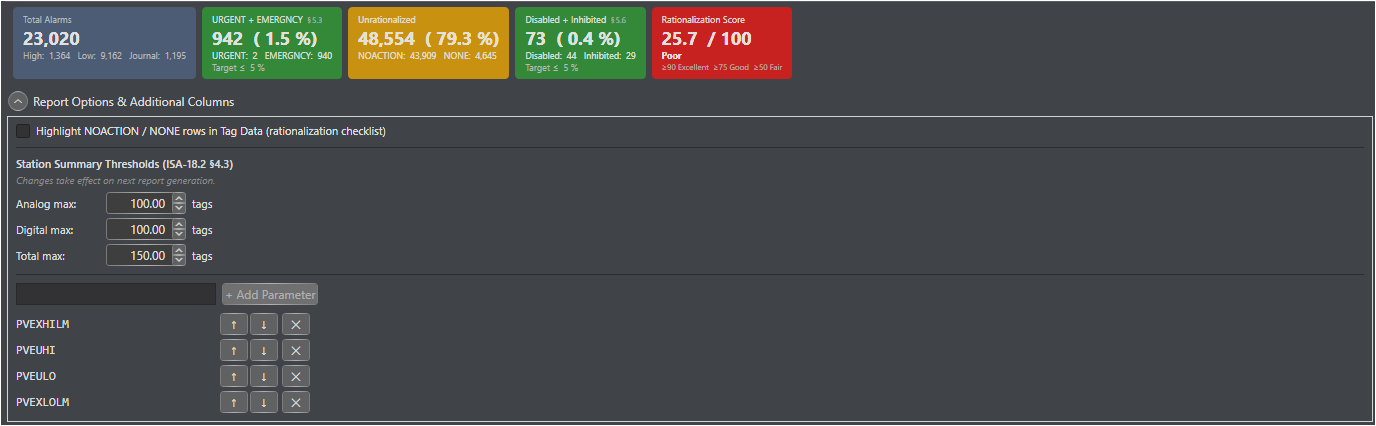
The Alarm Parameters list controls which PKS alarm parameters appear as columns in the Tag Data worksheet. You can add, remove, and reorder parameters to match your rationalization study requirements.
Default Alarm Parameters
Parameter
Description
Type
PVHI
High process variable alarm limit
Analog
PVLO
Low process variable alarm limit
Analog
PVHIHI
High-high process variable alarm limit
Analog
PVLOLO
Low-low process variable alarm limit
Analog
DEVHI
High deviation alarm
Analog
DEVLO
Low deviation alarm
Analog
ALMOPT
Alarm option / enable state
Digital
ALENBST
Alarm enable state bitmap
Digital
Adding a Parameter
1. In the Report Settings section locate the Alarm Parameters list.
2. Click Add Parameter.
3. Enter the exact PKS parameter name (e.g., ROCHI, BADPV).
4. Click OK.
Tip: Parameter names are case-insensitive. PVHI and pvhi are treated as equivalent.
Removing a Parameter
1. Select the parameter in the Alarm Parameters list.
2. Click Remove Parameter.
Reordering Parameters
The order of parameters in the list determines the column order in the Tag Data worksheet. Use the Move Up and Move Down buttons to reorder.
Common Additional Parameters
Parameter
Description
PVEXHILM
High rate-of-change alarm
PVEUHI
Low rate-of-change alarm
PVEULO
Bad process variable quality alarm
PVEXLOLM
Alarm inhibit state
Note: Only parameters that exist in the PKS configuration XML will have values in the Tag Data worksheet. Parameters not present on a given block appear as blank cells.