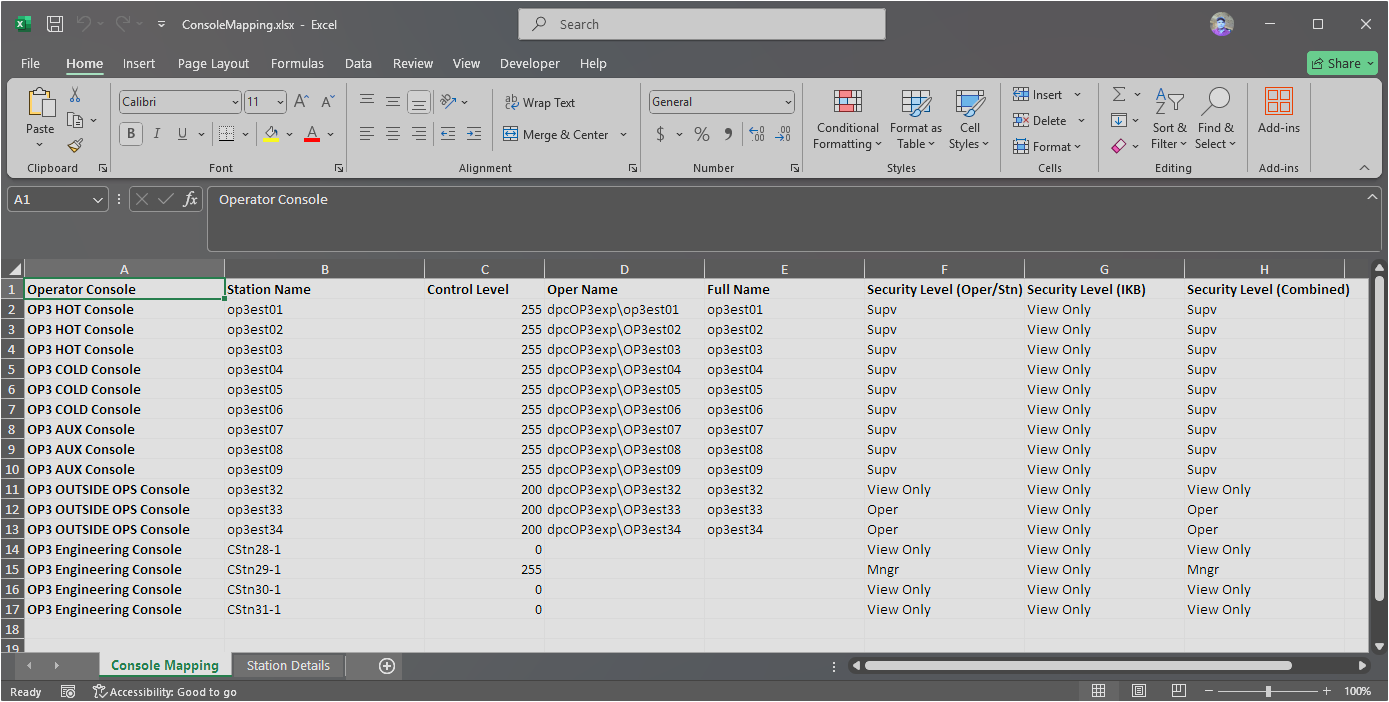
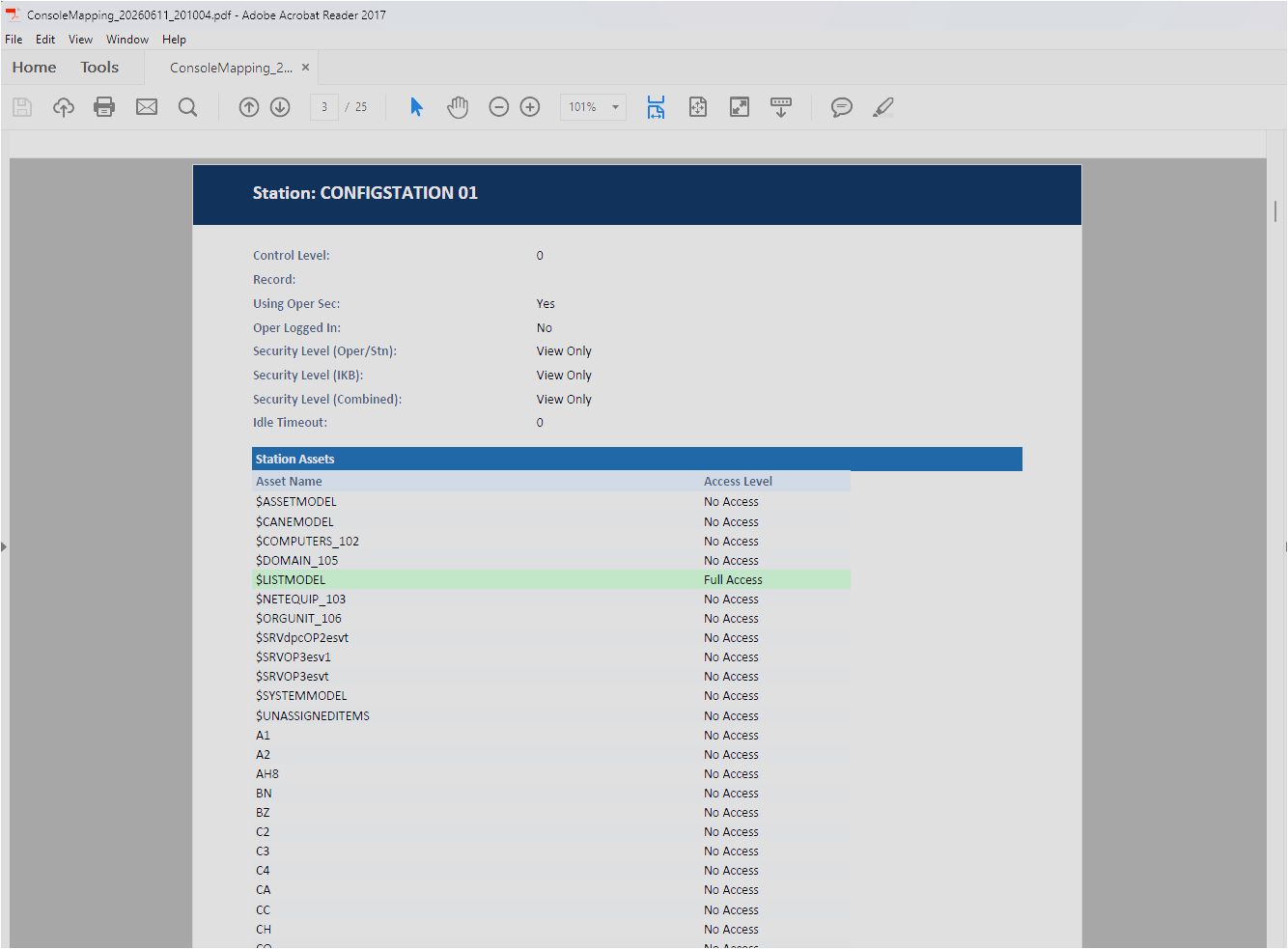
The Console Mapping Export produces an Excel spreadsheet or PDF document listing all Assets currently assigned to Operator Consoles/Console Stations. This is useful for auditing assignments, sharing with site engineers, or backing up the mapping before bulk changes.
Exporting the Console Mapping
1. Open the Console Mapping view for the relevant Configuration Collection.
2. Click the type of Excel or PDF Export in the toolbar.
3. Choose a save location and file name for the export file.
4. Click Save. The export is saved as an Excel (.xlsx) or PDF (.pdf) file.
Note: The export file is read-only and cannot be re-imported to update console assignments. Use the Console Mapping grid to make assignment changes.